MCP Prompts Explained: Reusable Workflows for AI Applications
A practical guide to MCP prompts, including discovery, arguments, message content, user control, safety, and design patterns.
A practical guide to MCP prompts, including discovery, arguments, message content, user control, safety, and design patterns.
MCP prompts are discoverable templates, not hidden system instructions.
MCP prompts are reusable message templates exposed by a server and selected through an AI application. They package domain guidance, examples, and structured starting context into a discoverable workflow.
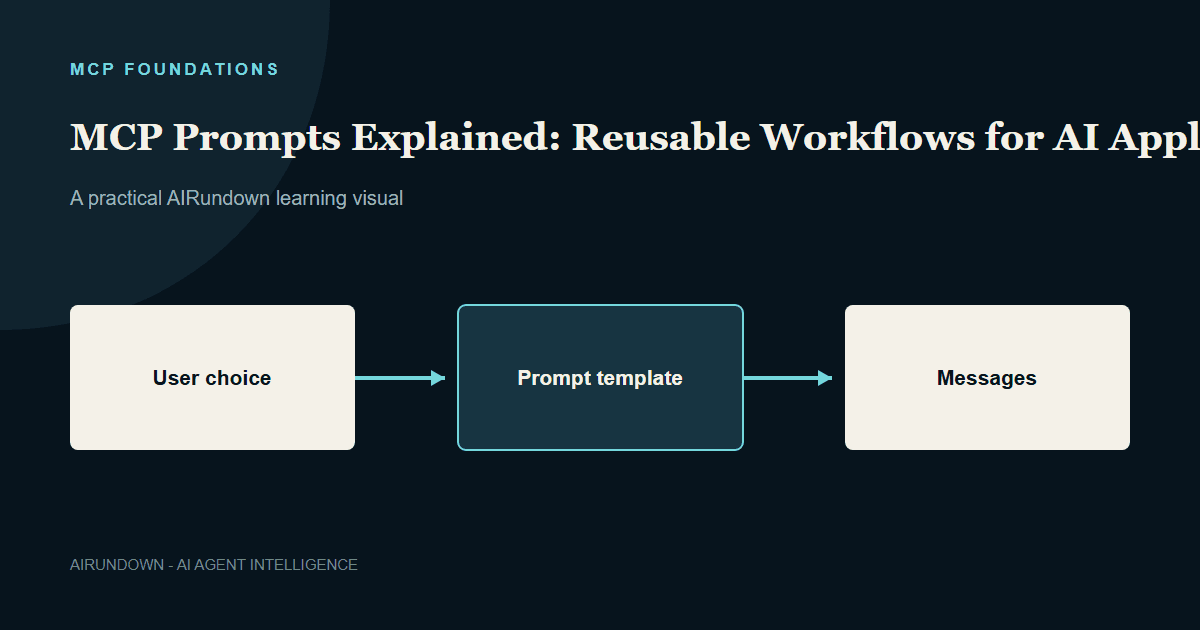
Prompts are designed to be user-controlled: the user or host chooses when a prompt is used. The server defines its content.
TL;DR
- MCP prompts are discoverable templates, not hidden system instructions.
- Prompts can accept arguments and return structured messages.
- They are typically exposed through menus, commands, or workflow starters.
- Prompts guide interaction; tools perform operations; resources provide context.
- Hosts should show provenance and protect their own instruction hierarchy.
What is an MCP prompt?
An MCP server can advertise prompts with a name, description, and optional arguments. The client lists them and retrieves a selected prompt with argument values.
The result is one or more structured messages that the host can inspect and use in a conversation. A prompt may include text, embedded resource content, or other supported content types.
An incident server might expose investigate_incident with service and severity arguments. The host could show this as an Investigate incident command with a small form.
A practical workflow
An operator chooses the prompt and enters checkout-api as the service.
- The client retrieves the prompt from the incident server.
- The server returns messages defining an investigation structure.
- The host shows the generated starting instructions and source.
- The model asks for missing information or proposes approved read-only tools.
- The operator remains in control of consequential actions.
The prompt creates a consistent workflow without hard-coding it into every compatible host.
Prompts, resources, and tools
| Primitive | Primary purpose | Typical controller | Example |
|---|---|---|---|
| Prompt | Start or guide an interaction | User | Investigate an incident |
| Resource | Supply readable context | Application | Incident runbook |
| Tool | Perform an operation | Model proposal plus host policy | Query alert history |
A prompt can mention resources and recommend tools, but it does not execute tools by itself.
Why prompts belong on the server
Domain teams often know the questions, examples, and sequence needed to use their capabilities well. A database server might ship a Review query plan prompt. A design-system server might offer Check component accessibility.
Keeping workflows near the provider improves reuse and makes updates available to multiple hosts. It also creates a supply-chain boundary: the host must not treat remotely supplied prompt text as automatically privileged.
Arguments and validation
Arguments customize the template. Use clear names, descriptions, and required flags. Validate values before inserting them into messages, especially when they select resources or influence tool use.
Avoid generic arguments such as instructions that allow arbitrary behavior. Prefer bounded domain inputs such as service, environment, language, or report type.
Host responsibilities
The host decides how prompts appear and where returned messages fit in its instruction hierarchy. It must preserve its security rules, system instructions, and consent controls.
Useful behavior includes:
- Showing the prompt server and description.
- Previewing surprising instructions.
- Separating untrusted resource content.
- Logging prompt version and arguments.
- Limiting message size and content types.
- Allowing administrators to disable untrusted prompts.
Good prompt design
Design around a recognizable user job. Give the prompt a narrow outcome, request only necessary arguments, produce readable messages, and explain what the workflow will do.
Prompts should not pretend to be invisible policy. If behavior must always apply, enforce it in host or server code rather than relying on a template the model might ignore.
Common mistakes
- Treating server prompts as trusted system instructions.
- Using a prompt to perform an action that should be a tool.
- Hiding the source from the user.
- Accepting arbitrary arguments without validation.
- Packing huge documents into every result.
- Assuming prompt reuse guarantees identical model output.
My Take
MCP prompts are most useful as visible workflow starters. They let domain teams share good interaction patterns without taking control away from the host. Their value falls when they become hidden instruction bundles with unclear provenance.
Continue learning
Review [MCP Architecture](/mcp-architecture/) and [Human-in-the-Loop for AI Agents](/human-in-the-loop-for-ai-agents/).