MCP Roots and Filesystem Boundaries Explained
A security-focused guide to MCP roots, file URI validation, workspace boundaries, user consent, symlinks, and modern alternatives.
A security-focused guide to MCP roots, file URI validation, workspace boundaries, user consent, symlinks, and modern alternatives.
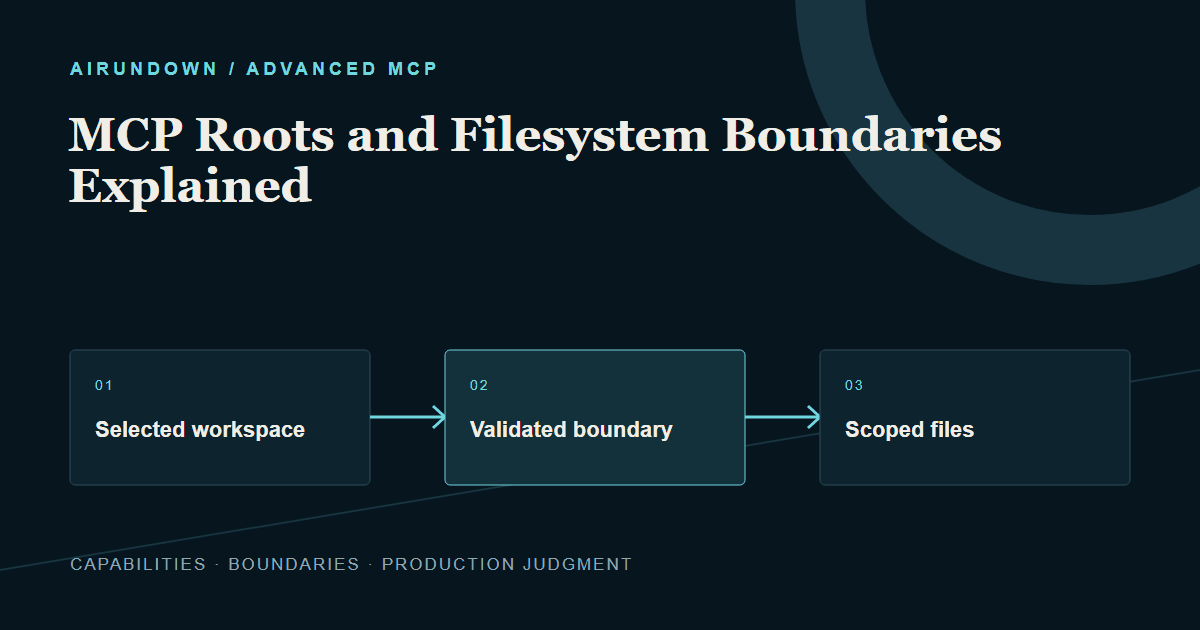
Roots are client-provided file URI boundaries advertised through a capability.
Core idea: roots communicate workspace boundaries; they do not create a security sandbox. Actual file access still needs validation, operating-system controls, and user consent.
MCP roots let a client tell a server which filesystem locations are relevant and permitted for a task. A coding host might expose one repository rather than the entire drive. This gives the server useful context and helps interfaces explain scope. It must not be mistaken for proof that every path beneath the string is safe.
TL;DR
- Roots are client-provided file URI boundaries advertised through a capability.
- Clients should obtain consent and expose only necessary locations.
- Servers must validate paths, resolve traversal and symlink behavior, and respect boundaries.
- Roots do not replace process sandboxing or filesystem permissions.
- The current specification discourages roots for new implementations; prefer explicit tool parameters, resource URIs, or server configuration.
How roots work
A capable client advertises roots support. While processing a request, a server can request roots/list and receive labeled file:// URIs such as a selected project folder. The server can use those values to constrain discovery and operations.
The labels are for user understanding; the normalized URI is the boundary input. Servers should not assume roots exist, remain unchanged, or authorize every operation. Capability checks and safe fallback behavior are required.
A coding-agent example
A developer opens two repositories but selects only the frontend for a documentation task. The client exposes the frontend root. The server lists and reads files only after resolving each requested path and confirming that the canonical target remains inside the selected boundary.
If a file inside the frontend is a symlink to a secret directory elsewhere, a simple string-prefix check can fail. The server needs an explicit policy for symlinks and canonical paths. It should also block path traversal such as ../../, device paths, alternate streams, and platform-specific normalization tricks.
Boundary versus enforcement
A root is a protocol-level scope signal. Enforcement can occur at several layers:
- The client chooses what to reveal.
- The server validates every resolved path.
- The process runs with limited operating-system permissions.
- Containers or sandboxes restrict mounts and writes.
- Tool policy separates read, create, modify, delete, and execute authority.
Defense in depth matters because a compromised server may ignore a friendly scope hint. If the process account can read the whole home directory, a roots list alone does not stop it.
Consent and changes
Clients should clearly show which directories or files a server will receive and ask for consent before exposure. Avoid broad defaults such as the home folder or drive root. Support revocation and make changes visible.
If scope changes during work, stale server assumptions become risky. Newer protocol designs emphasize explicit request metadata rather than connection history, so the server should use current scope inputs and avoid treating a long-lived process as permanent authorization.
Modern alternatives
The 2026-07-28 specification marks roots on a removal path and recommends that new implementations pass directories or files using tool parameters, resource URIs, or server configuration. These alternatives make the target explicit at the operation or deployment boundary.
For example, a repository_analyze tool can accept a validated resource URI selected by the client. A dedicated local server can be launched with one configured workspace and operating-system access restricted to that directory. Both approaches reduce reliance on ambient, mutable root state.
Existing clients and servers may still support roots for compatibility. Record the negotiated protocol version and test behavior instead of assuming all hosts expose them.
Read and write are different
Even inside an approved workspace, reading documentation and executing a script have different risk. Create separate tools and policies. Require stronger approval for deletion, executable changes, credential files, build pipelines, and operations affecting external systems. Respect ignore patterns where useful, but never treat .gitignore as a security boundary.
Common mistakes
- Using a string-prefix comparison without canonical resolution.
- Following symlinks outside the boundary.
- Exposing an entire home directory for convenience.
- Treating a root as permission to execute files.
- Assuming a local server cannot bypass the client.
- Designing a new system around roots without checking current lifecycle guidance.
My Take
Roots express a valuable product principle: the user should see and constrain the workspace. Keep that principle even if the protocol mechanism changes. Explicit resource selection plus real operating-system isolation is easier to reason about than a broad process with a voluntary list of allowed paths.
Sources
- Model Context Protocol specification (2026-07-28): Roots
- Model Context Protocol specification: Resources and URI security